




Back-to-school season means a return to routines—and for many of us, a return to a lot more sitting.
Students are back at desks for hours each day, followed by homework, laptops, tablets, and phones. Adults may spend an entire workday at a computer, only to finish the evening sitting in the car, on the couch, or looking down at another screen.
All of that time in one position can add up.
Whether you're a student heading back to class, a parent working from home, or someone who spends eight hours a day behind a desk, a few simple changes can make your workspace much friendlier to your neck, back, shoulders, and overall mobility.
Why Sitting All Day Can Be Hard on Your Body
The problem isn't necessarily sitting itself. It's staying in the same position for too long.
When you're focused on school or work, it's easy to gradually start:
- Leaning toward your computer
- Looking down at a laptop
- Rounding your shoulders
- Slouching in your chair
- Crossing your legs for hours
- Reaching too far for your mouse
- Holding your head forward
- Sitting without adequate back or foot support
OSHA recommends arranging computer workstations so the head and neck remain aligned with the torso, shoulders stay relaxed, elbows remain close to the body, wrists stay relatively straight, the back is supported, and the feet are supported by the floor or a footrest.
But there's another important part of ergonomics that often gets overlooked:
Even a great sitting position isn't meant to be held all day.
OSHA specifically recommends changing positions frequently and periodically standing, walking, and stretching rather than remaining in one posture for prolonged periods.
Back to School Means Back to Sitting
For students, the transition can feel especially dramatic.
Summer may include more walking, swimming, sports, outdoor activities, and freedom to move throughout the day. Then school starts, and suddenly students are sitting through classes, carrying backpacks, completing homework, and spending additional time on devices.
Add extracurricular activities and long car rides into the mix, and a child's spine may be dealing with very different demands than it did during the summer.
Parents may begin noticing:
- Rounded shoulders
- Forward-head posture
- Slouching while doing homework
- Complaints of a stiff neck or back
- Constantly changing positions while sitting
- One shoulder appearing higher than the other
- Leaning extremely close to a laptop or tablet
Rather than repeatedly saying "Sit up straight!", it can be more helpful to change the environment and encourage more movement.
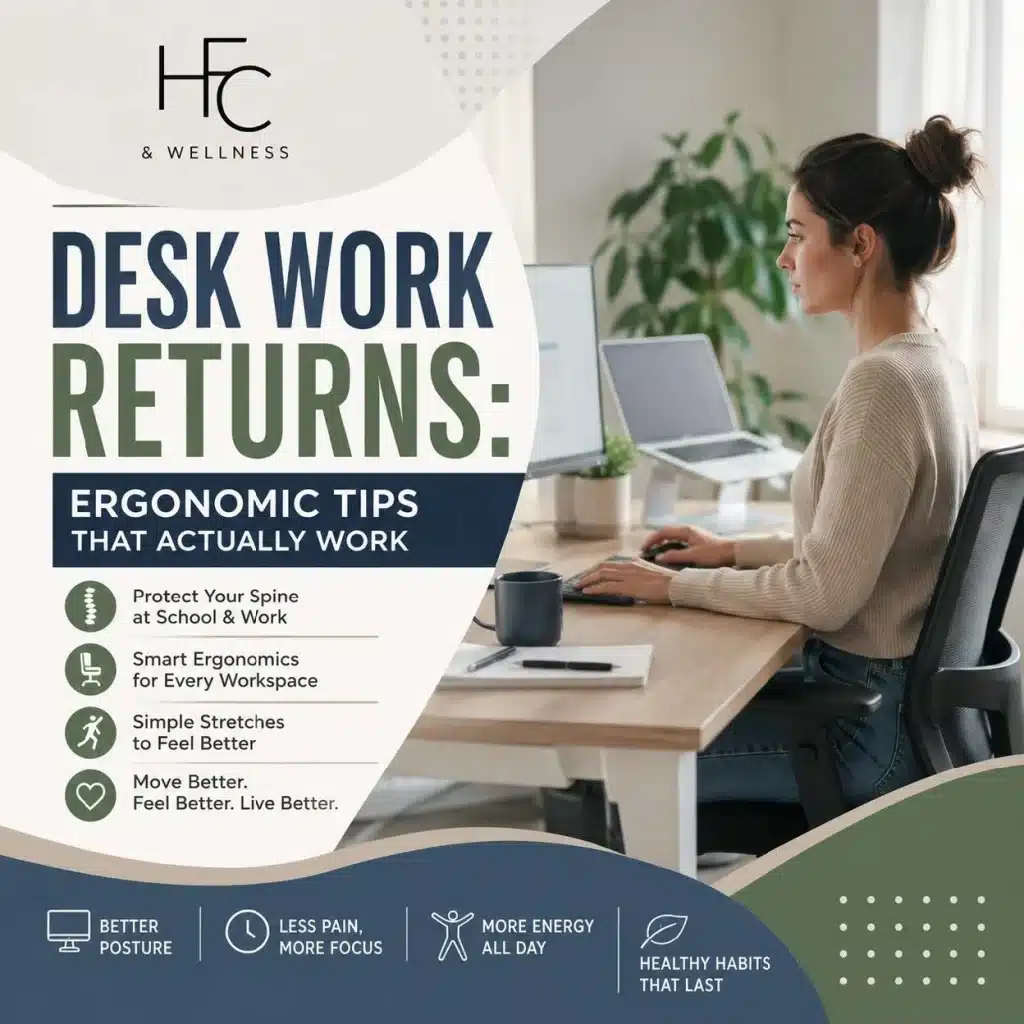
6 Ergonomic Tips That Actually Work
1. Bring the Screen Up
One of the biggest problems with laptops is right in the name—we tend to put them in our laps. That encourages the head and neck to angle downward.
When possible, raise the computer so the screen is positioned comfortably in front of you rather than far below eye level. OSHA recommends positioning the monitor so you can look ahead without repeatedly tilting your head forward or backward.
For adults working on a laptop for long periods, a laptop stand combined with a separate keyboard and mouse can make this easier.
For kids doing homework, even a simple setup that gets the screen off their lap can be an improvement.
2. Get Your Feet Supported
If your feet don't reach the floor, don't simply let them dangle.
Adjust the chair when possible or use a stable footrest so your feet have support. This is especially important for children working at adult-sized kitchen tables or desks. OSHA recommends that the feet be supported by the floor or a footrest while seated.
3. Keep the Keyboard and Mouse Close
If your mouse is halfway across the desk, your shoulder has to reach for it hundreds of times throughout the day.
Keep your keyboard and mouse close enough that your elbows can remain near your sides and your shoulders stay relaxed. OSHA also recommends maintaining a relatively straight, neutral wrist position while typing.
4. Support Your Lower Back
Your chair should support you—not force your muscles to work all day just to hold you upright.
Sit back into the chair instead of perching on the front edge. If needed, a small lumbar support can help make the chair more comfortable.
5. Stop Searching for "Perfect Posture"
Here's one of our favorite posture tips:
Your next posture may be more important than your perfect posture.
You don't need to sit like a statue for eight hours.
Sit comfortably. Shift positions. Stand up. Walk around. Stretch. Then sit differently. Movement and variety matter.
6. Take a Five-Minute Movement Break
Set a reminder if you need one.
OSHA suggests taking a five-minute break from computer tasks each hour to look away, stretch, stand, or walk, giving muscles and tendons an opportunity to recover.
For students, movement breaks can also be built into homework time. Finish an assignment? Get up.
Need a drink? Walk to the kitchen.
Changing subjects? Take a quick movement break first. It doesn't have to be complicated.
Try These Simple At-Home Stretches
If you've been sitting for a long time, a few gentle movements can help get your body moving again.
Chin Tucks
Great after spending time looking at a computer or phone.
- Sit or stand tall.
- Keep your eyes facing forward.
- Gently draw your chin backward, as though you're making a "double chin."
- Hold briefly, relax, and repeat.
You shouldn't force your head downward—the movement should be straight back.
Doorway Chest Stretch
Long periods at a computer can leave the front of the chest feeling tight.
- Stand in a doorway.
- Place your forearms or hands against the frame.
- Gently step forward.
- Stop when you feel a comfortable stretch across the chest.
- Hold, breathe, and release.
Shoulder Blade Squeezes
This is an easy one to do at a desk.
- Sit or stand tall.
- Relax your shoulders.
- Gently draw your shoulder blades toward each other.
- Hold briefly.
- Relax and repeat.
Avoid shrugging your shoulders toward your ears.
Standing Back Extension
After sitting and leaning forward for a long period:
- Stand up comfortably.
- Place your hands around your hips or lower back.
- Gently extend backward within a comfortable range.
- Return to neutral.
- Repeat slowly.
Stop if the movement causes pain, numbness, tingling, dizziness, or symptoms traveling into an arm or leg.
Hip Flexor Stretch
Sitting keeps the hips in a flexed position for long periods.
- Start in a split stance or half-kneeling position.
- Keep your torso upright.
- Gently shift your hips forward.
- You should feel a stretch near the front of the hip on the back leg.
- Hold comfortably, then switch sides.
The Simplest Exercise: Walk
Don't underestimate walking. After you've been sitting for an hour, getting up and walking around the office, school, or house for a few minutes is an easy way to change positions and get multiple areas of the body moving.
How Chiropractic Care Can Help
Sometimes improving the desk setup isn't the entire answer—especially when someone is already experiencing stiffness, restricted movement, or recurring neck or back discomfort.
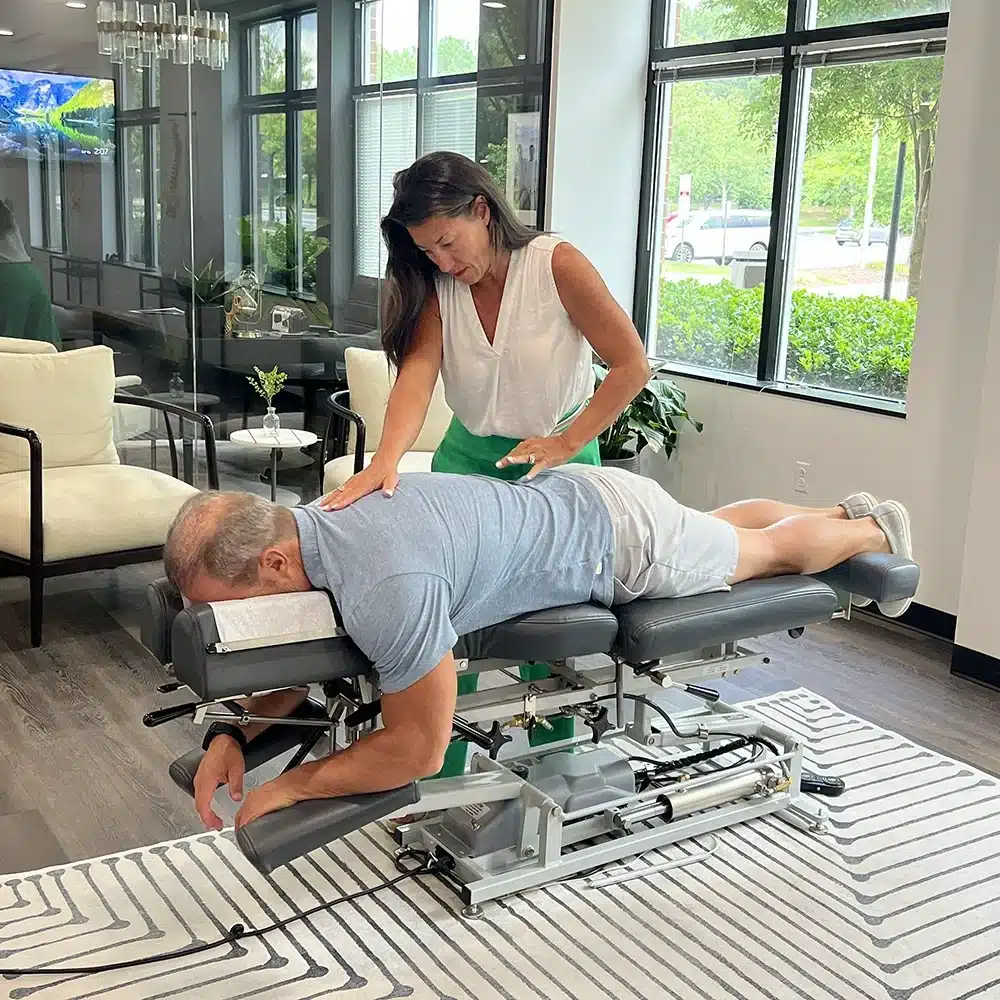
At HFC Wellness, we look at how the spine and joints are moving and how everyday habits may be contributing to the way you're feeling.
Depending on the individual, chiropractic care may be incorporated alongside movement, exercise, ergonomic changes, and other healthy habits.
Research reviewed by the National Center for Complementary and Integrative Health indicates that spinal manipulation may provide small to modest improvements in pain and function for some people with acute or chronic low-back pain.
Chiropractic care isn't a substitute for moving your body or improving a poorly arranged workstation. Instead, it can be one part of a broader approach that includes better movement habits, exercise, recovery, and an ergonomic environment.
For Parents: Check Your Child's Homework Setup
Take five minutes tonight and watch how your child actually does homework. Are they:
- Curled over a laptop on the couch?
- Looking straight down at a tablet?
- Sitting at a table where their feet can't reach the floor?
- Spending hours without getting up?
- Doing homework in bed?
- Slouching with their head far in front of their shoulders?
Small adjustments to their setup—and regular reminders to get up and move—can help create better habits throughout the school year.
Free Posture Checks for Our Patients' Children
If you're already an HFC Wellness patient, we offer FREE posture checks for your children.
Back-to-school season is a great time to take a closer look at how growing, backpacks, increased sitting, sports, and screen time may be affecting their posture.
Schedule your child's free posture check with our front desk.
Your Desk Should Fit You—Not the Other Way Around
You don't necessarily need an expensive standing desk, specialty chair, or complicated ergonomic setup.
Start with the basics:
Bring your screen up. Support your feet and back. Keep your keyboard and mouse close. Change positions. Get up every hour. Stretch. Walk.
And remember that ergonomics isn't about maintaining one "perfect" posture from 9 to 5.
It's about creating an environment that makes comfortable movement easier throughout your day.
Whether you're heading back to the classroom or back to a busy season at the office, your spine is coming with you.
Make taking care of it part of your daily routine.